The capture loop
You talk. We do the structure.
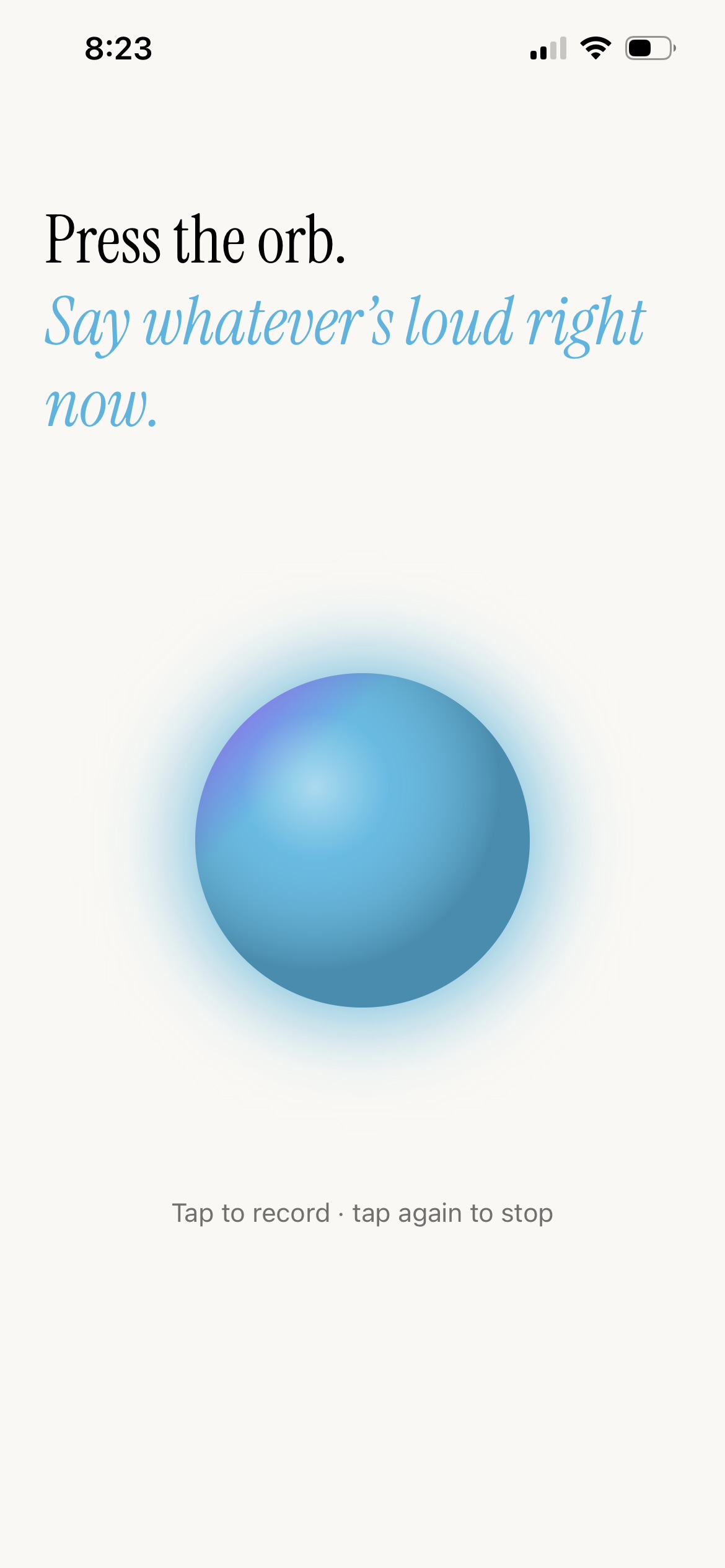
No fields. No menus. No “when is this due?” picker. Just tap the orb, say what’s in your head, let go.
AI runs on-device when your iPhone supports it. Otherwise it’s a one-tap consent for cloud processing — only the text, never the audio. Never silent.
The execution loop
It’s not the list that’s hard. It’s the doing.
So we built voice commands for the doing part too. Here’s a few, playing out.
I’m stuck
Two or three tiny first steps. So small they’re embarrassing — that’s the point.
What’s next?
Hand the decision to your phone. One task, and the reason why. No menu mining.
I just did X
Mark it done without unlocking anything. We match it to the right task.
Starting now
A focus timer kicks off with a Live Activity, right from the Lock Screen.
New in 2.0 · Layouts
Same tasks. Your brain’s shape.
Not all brains want the same list. Flip the very same tasks into a Kanban board, an Eisenhower grid, a Bullet Journal, or a bare page of checkboxes — or describe how your head works and Brainspill designs a layout just for you.
Kanban board. Slide tasks between columns — or say “move the gym to Plan it” and watch the card jump.
Eisenhower grid. When everything feels urgent, four boxes sort out what actually is.
Or one of one. Tell Brainspill how your brain works and it builds a layout that exists for exactly one person.
Other ways in
Words don’t have to be yours.
Photograph a flyer, share a screenshot, capture from anywhere — same extraction, same verify card.
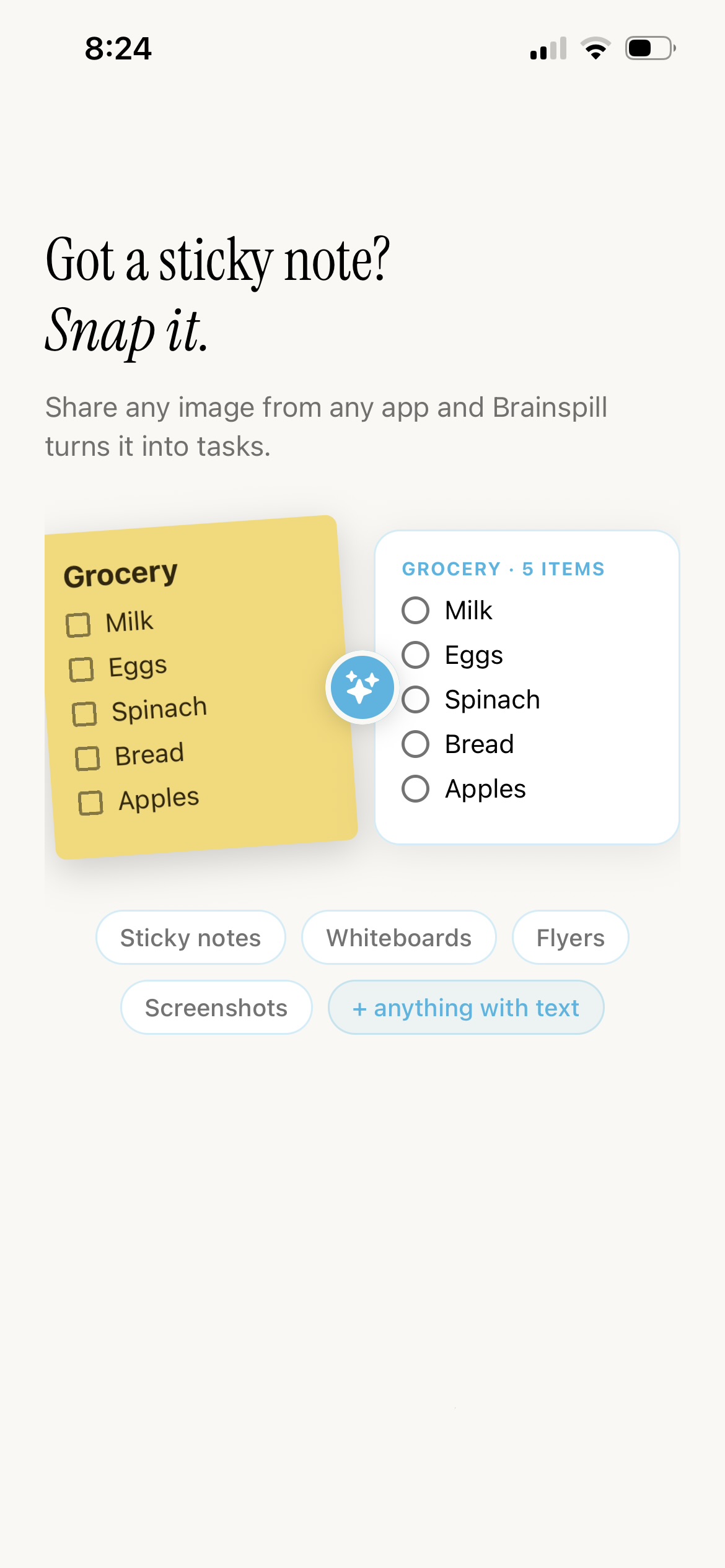
Snap a sticky note, whiteboard, or flyer.
Share a screenshot or text from any app.
The honest one
On your device when it can be. Asked once when it can’t.
Privacy and convenience, finally on the same side.
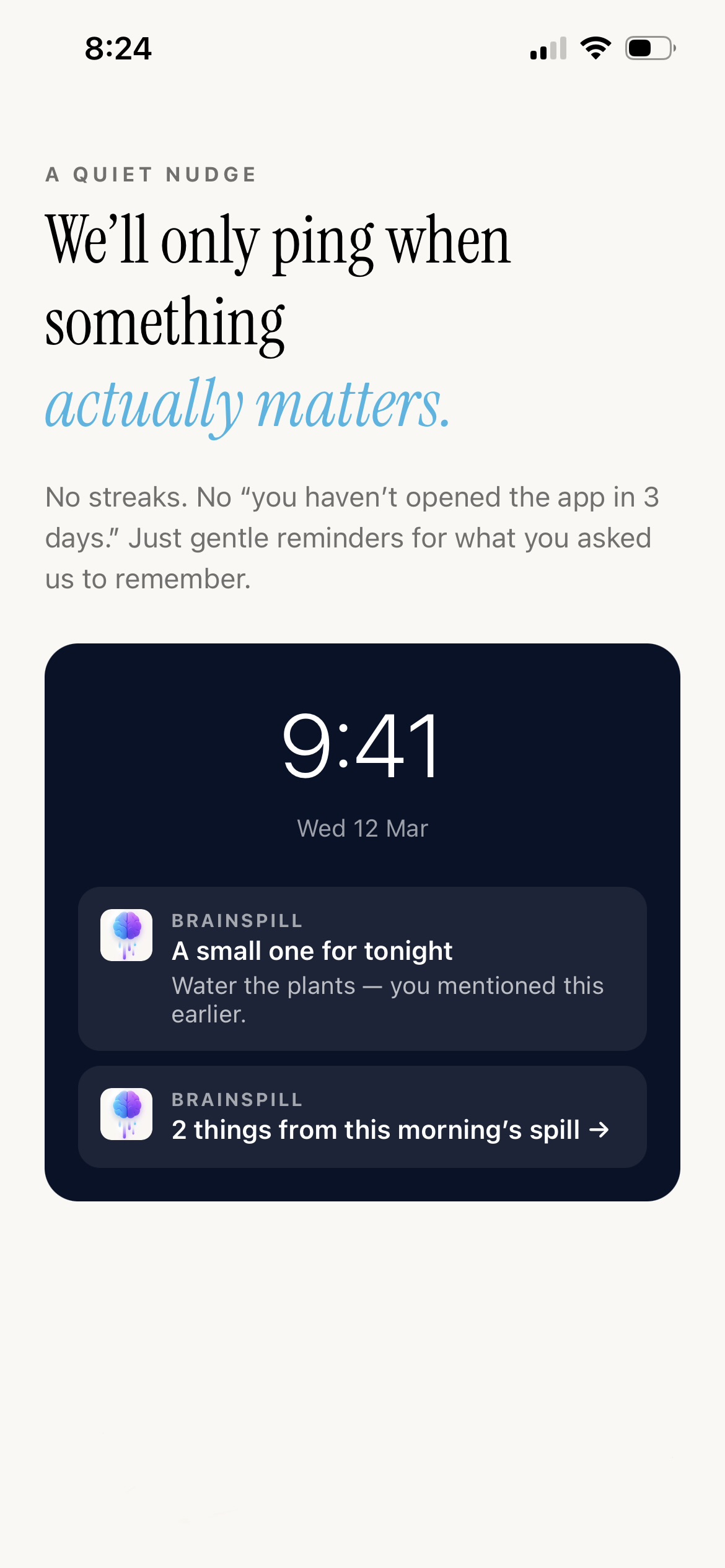
Most ADHD apps say “privacy first.” Look at their Apple Privacy label and you’ll often find cross-app tracking and identity-linked data collection. We don’t do either.
When your iPhone supports Apple Intelligence, Brainspill processes your voice on-device. Nothing leaves. When it can’t — an older iPhone, a long transcript — we send only the text, never the audio, to OpenAI, after asking you once and remembering your answer.
We use one analytics tool, anonymously. No name, no email, no IDFA, nothing pointing back at you. We can’t.
Early word
From people who tried six other apps first.
First task app that survived my ADHD. I just talk at it on the walk home and everything’s there when I get in.
— user testimonialThe “what’s next?” thing is unreal. I stopped staring at a list of twelve things and just did the one it handed me.
— user testimonialA few honest answers
Questions, answered.
Does this work without internet?
Yes — on Apple Intelligence-capable iPhones, the extraction runs on-device, so no internet is needed. On other devices it uses the cloud, which needs a connection.
Will my voice be recorded and stored?
No. Your voice never leaves your device. We send the transcript text to OpenAI only when on-device AI isn’t available — and only after you consent. The audio is never uploaded.
Does it work with Apple Reminders?
Yes — bidirectional sync. Things you add in Brainspill show up in Reminders. Things you add in Reminders show up here. It creates one list called “Brainspill” and never touches your others.
Can it be a board instead of a list?
Yes — new in 2.0. The same tasks can be a plain checklist, a Kanban board, an Eisenhower grid, or a Bullet Journal. Or describe how your brain works and Brainspill designs a layout just for you. Tasks move between columns by voice, too.
I already have a system. Do I have to rebuild it?
No. Brainspill pulls your existing tasks and schedule in through Apple Reminders and Calendars or Google Calendar — about four or five taps, and it works with almost any to-do app or planner. Nothing to re-type.
What’s the catch on Free?
One 2-minute spill a day. That’s the whole cap — daily AND per-session, so it’s one shot.
Privacy and intelligence don’t change when you upgrade:
- On-device AI runs on every tier when your iPhone supports Apple Intelligence.
- Snap-a-spill is included on Free, capped at 2 photos a day.
Paid tiers add way longer sessions.
Is this just dictation?
No. Dictation gives you a paragraph. Brainspill gives you a structured list — with dates, calendar events, and reminders sorted out — from the same rambling sentence.